Get the cabling right while the walls are still open, and your network will behave from day one.
When you’re fitting out a new office, cables are the last thing anyone gets excited about. The glass partitions, the meeting rooms, the reception desk: that’s what people talk about. But once the ceiling goes up and the paint dries, those hidden cables decide whether your Wi-Fi flies or crawls. Fixing them later means cutting into walls you just paid to finish.
So here’s a practical checklist. No jargon walls, no IT degree needed. Just the things I’d want sorted before anyone pulls a single cable.
So what is structured cabling, really?
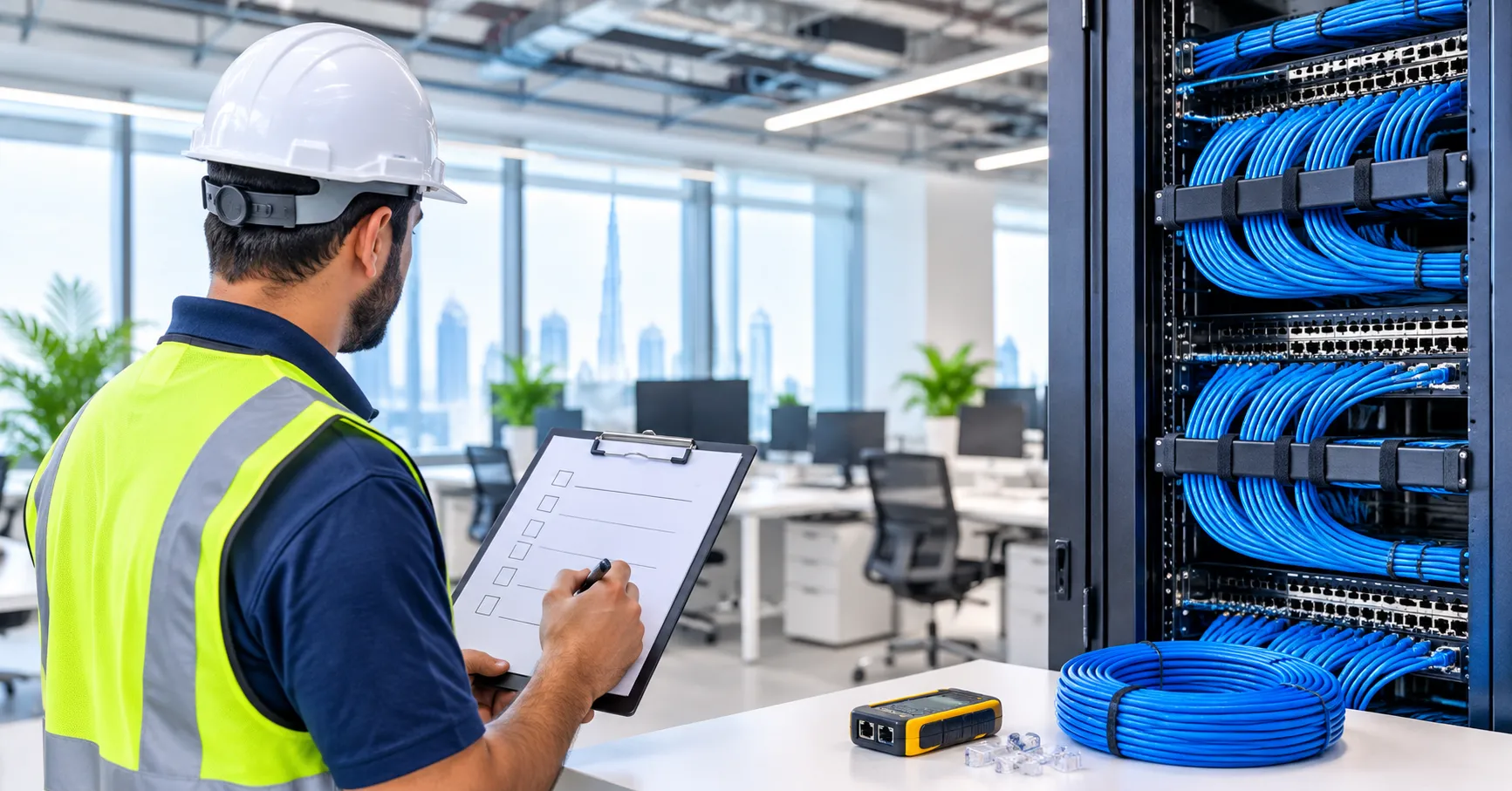
Think of it as one organised network instead of a tangle of one-off cables. Every desk, Wi-Fi access point, camera, and phone gets a cable that runs back to a patch panel in a small comms room, and from there to your switches. Everything is labelled, tested, and documented.
The real payoff is flexibility. When a team moves or grows, you re-patch a connection in the rack instead of drilling and re-running cable. VAS Technologies makes the same point in its overview of structured cabling in Dubai: a proper system lets you handle moves, adds, and changes without knocking your network offline.
Why it matters more during a fit-out
- It’s cheapest now. Running cable before the ceilings close costs a fraction of what it does afterwards.
- It outlives your gear. Good cabling can serve you for ten years or more. Switches and access points will be replaced long before that.
- Nearly everything rides on it. Wi-Fi, IP phones, CCTV, door readers, meeting-room screens, printers. All of it.
- One bad link hurts. A single faulty run can take out a desk, and a bad backbone can take out a floor.
The checklist
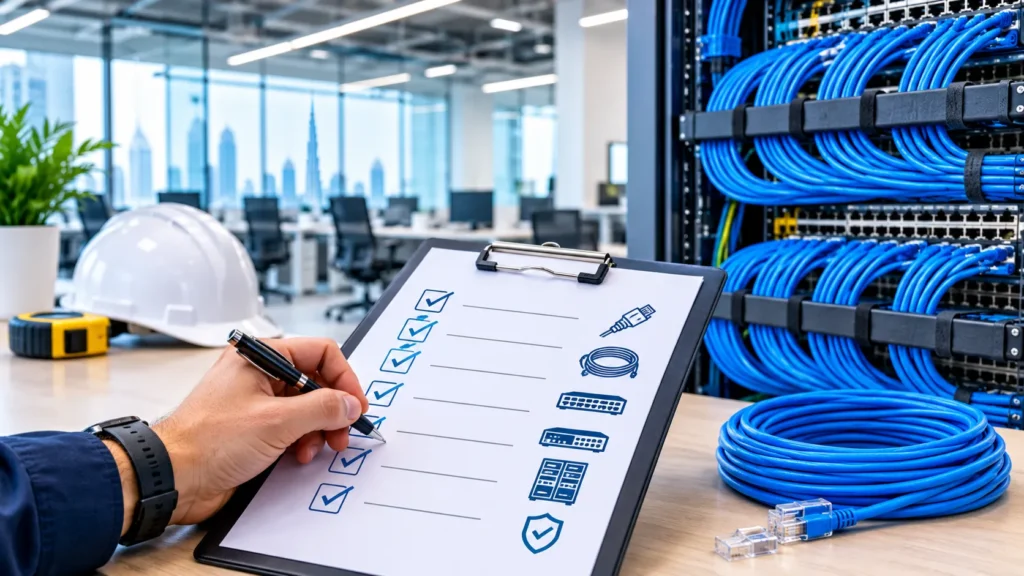
Go through these in order. Each part feeds into the next.
Part 1: Plan before you design
Before anyone draws a cable route, get clear on these:
- Headcount, now and later. How many people will sit here today, and in three to five years? Build in room to grow, because adding capacity later always costs more.
- Every device that needs a connection. Desks, phones, printers, Wi-Fi access points, cameras, door controllers, TVs, video-conferencing units, sensors, and servers. Write the list down.
- Speed needs. Video calls, cloud apps and big files all want a fast, steady connection. Plan for where you’ll be in a few years, not just today.
- Your layout. Open-plan, private offices, hot desks and meeting rooms all need different outlet counts.
- Who owns what. Is it your fit-out contractor, your IT partner, or the landlord’s team doing the cabling? Make sure everyone works from one agreed design.
One tip: get your cabling specialist involved at the design stage. If they only see the plans after the ceiling and partition drawings are final, you’ve already lost some options.
Part 2: Get the design right
- Pick a cable category. Cat 6 or Cat 6A copper is a safe bet for most offices. Cat 6A costs a bit more but holds higher speeds over the full cable length, so it’s the better choice if you want to future-proof.
- Decide where fiber goes. Fiber suits long runs, links between floors or buildings, and the backbone between comms rooms. It’s faster and travels further than copper.
- Count your outlets. Two data outlets per workstation is a common starting point. Add more for printers, phones and screens, and don’t forget ceiling points for Wi-Fi access points and cameras.
- Mind the 90 metre rule. A copper link should stay within 90 metres from patch panel to wall outlet (100 metres once you add patch cords). Go beyond that, and you need another comms room or a fiber link.
- Design to a recognised standard. Ask for TIA/EIA-568 or ISO/IEC 11801, and get it in writing.
- Agree a labelling scheme. Every cable, outlet, and patch panel port gets a unique label that matches the drawings. It’ll save someone hours of guesswork one day.
- Ask for drawings and a bill of quantities. You want floor plans showing each outlet and route, a cable schedule, and a materials list before work starts.
Part 3: Plan the comms room and racks
- Choose the location carefully. The main comms room (some people call it the MDF or server room) should be central and secure, and away from anywhere that floods or overheats.
- Leave space. Racks, patch panels, switches, a UPS and whatever you add later. You should be able to open the rack doors and actually work.
- Sort cooling and power. Dubai heat is tough on network gear. You need reliable air-conditioning and enough power points, ideally with backup for critical equipment.
- Lock it down. A locked door, ideally with access control, so only approved people touch the network.
- Plan cable management. Trays, ladder racking and vertical and horizontal managers keep things tidy and safe, and tidy is easier to maintain.
- Add a floor room if needed. On a large floor, if some desks sit past roughly 90 metres of cable from the main room, plan a smaller floor comms room (IDF).
Part 4: Choose your materials
- Don’t cheap out on components. Cables, patch panels, outlets and patch cords should come from known brands with a real warranty. Mixed or uncertified parts cause a lot of faults.
- Ask about fire-safe cable. Many buildings in Dubai call for low-smoke, zero-halogen (LSZH) cable and fire-rated materials. Check what your building and the relevant authorities require before you order.
- Keep the system matched. A Cat 6A cable with a lower-grade connector only performs as well as the weakest part.
- Plan firestopping. Wherever cables pass through fire-rated walls or floors, the gaps need sealing with approved fire-stop material.
Part 5: Installation
- Coordinate with the other trades. Cabling has to fit around ceilings, partitions, electrical and air-conditioning work. Run it before the ceilings close, but once the main structure is ready.
- Separate data from power. Electrical cables cause interference, so keep a safe gap and cross them at right angles when you must.
- Don’t over-pull or over-bend. Yank a cable too hard or bend it too sharply and it can be damaged inside even if it looks fine outside. Good installers stick to the manufacturer’s limits.
- Terminate properly. Termination means connecting cable ends to outlets and patch panels, and poor termination is one of the most common reasons a link fails testing.
- Splice fiber with the right kit. Fiber splicing needs precise equipment to keep signal loss low. Ask how your contractor tests it.
- Tidy as you go. Proper supports and hook-and-loop ties, not zip ties pulled tight enough to squeeze the cable.
- Label on site. Label both ends as each cable goes in. Don’t leave it for later.
Part 6: Test, certify, document
This is the part people skip, and it’s the part that protects you most.
- Insist on certification testing. Copper links should be tested with a proper certifier, not a basic continuity tester, and fiber links with loss testing. That’s how you know the cabling really meets the standard you paid for.
- Get the test reports. You should receive pass or fail results for every single link. Keep them somewhere safe.
- Fix failures before handover. Failed links get repaired and retested. No exceptions.
- Ask for as-built drawings. Cables rarely run exactly as first drawn, so you want a record of where they actually went.
- Check the warranty. Get it in writing, covering both the installation and the materials.
Part 7: Think beyond computers
A well-planned office puts a lot more than laptops on the same cabling:
- Ceiling-mounted Wi-Fi access points, powered through the network cable using PoE
- IP phones and VoIP systems
- CCTV cameras and other security systems
- Access control readers and door controllers
- Meeting-room audio-visual and video-conferencing
- Digital signage and interactive displays
- Smart building and automation systems
Power over Ethernet (PoE) sends data and power down one cable, which means fewer electrical points for cameras and access points. Just remember to size your switch power budget with that in mind.
Part 8: Dubai-specific things to confirm early
Every building and free zone has its own quirks, so ask these questions sooner rather than later:
- Landlord and building rules. Some towers and business parks have approved contractors, set riser routes, and rules for shared shafts.
- Authority approvals. Fire safety and other approvals may apply to cabling, firestopping and materials. Your fit-out consultant should know which ones your site needs.
- Internet lead-in. Find out how service reaches your office and book it well ahead. New lines can take a while and delay your move-in.
- Permits and working hours. Fit-out sites often have restricted hours and permit requirements, so build your installation schedule around them.
- Heat and humidity. Choose materials and equipment that suit the climate, and make sure the comms room cooling is dependable.
- Security requirements. If you need CCTV or security systems that must meet local rules (SIRA, for example), plan their cabling from the start. Your IT partner can advise.
The short version
Pin this somewhere your project team will see it:
- Headcount and growth plan confirmed
- Full device list written down
- Cable type chosen (Cat 6 or 6A, plus fiber where it’s needed)
- Outlet counts and locations approved on the drawings
- Comms room sized, cooled, powered, and locked
- Quality, fire-safe materials ordered
- Cable routes coordinated with the other trades
- Everything labelled
- Every link tested and certified, with reports handed over
- As-built drawings and warranty in your hands
- Building and authority approvals confirmed
- Internet lead-in booked early
Mistakes we see all the time
- Calling the cabling team too late. Once the ceiling’s closed, you’ve lost your best chance to do it cleanly.
- Choosing on price alone. A very cheap quote often hides lower-grade cable or skipped testing.
- Too few outlets. Offices almost always need more than the first estimate.
- Forgetting Wi-Fi coverage. Access points need cable points in the right ceiling spots.
- Skipping documentation. No labels and no drawings mean every future change gets slower and pricier.
- No room to grow. A rack that’s full on day one becomes a problem within a year.
Choosing a structured cabling partner in Dubai
You want someone who can handle design, installation, testing, and support, not just pull cable. When you’re comparing companies, ask:
- Can you show me similar office projects you’ve done in Dubai?
- Which standards do you design and test to?
- Will I get certified test reports and as-built drawings?
- Do you do both copper and fiber, including splicing?
- Can you support Wi-Fi, CCTV, access control and phone systems on the same infrastructure?
- What warranty and after-sales support do you offer?
VAS Technologies, for example, lists data, voice, fiber optic, copper, security and surveillance, audio-visual and data center cabling among its services. It also covers design, installation, testing and certification, upgrades and ongoing maintenance. You can read more on the VAS Technologies structured cabling page.
[/vc_column_text][/vc_column][/vc_row]
Frequently Asked Questions
What is structured cabling in simple terms?
It’s one organised cabling system that connects everything in your office (computers, phones, Wi-Fi, cameras) back to a central network. It’s neat, labelled and easy to change or expand.

When should I plan it during a fit-out?
As early as you can, ideally while the design is still being worked out. Installation then happens before the ceilings and walls close.
Cat 6 or Cat 6A: which is better?
Cat 6 does the job for plenty of offices. Cat 6A costs a little more but handles higher speeds over longer distances, so it makes sense if you want to future-proof or you’re running lots of Wi-Fi access points and demanding devices.
Do I really need fiber?
Not usually to the desk. But fiber is very useful for the backbone between floors, comms rooms or buildings, and for larger or data-heavy offices.
How many outlets do I need per desk?
Two data outlets per workstation is a sensible starting point. Add more for printers, phones, meeting rooms, displays, Wi-Fi access points, cameras and door controllers, and leave some spare capacity.
How long can a copper network cable be?
A standard permanent link tops out at 90 metres, with up to 100 metres for the whole channel once patch cords are included. Beyond that, use fiber or add another comms room.
Why does testing and certification matter?
It proves each link meets the standard you paid for. Skip it and hidden faults tend to show up after you’ve moved in, which is when they’re most disruptive to fix. Always ask for the reports.
Can the same cabling carry Wi-Fi, CCTV and access control?
Yes. A well-designed system can carry data, voice, security, access control, audio-visual and smart building systems, often with PoE supplying power over the same cable.
How long does installation take?
It depends on the size of the office, the number of outlets and how well the work is coordinated with the other trades. A small office might take days, a large one several weeks. Your contractor should give you a schedule once the design is approved.
How long will the cabling last?
Good cabling that’s installed correctly can last ten years or more. Network equipment changes much more often, but the cable behind the walls is meant to stay put.
What if I need to move or add desks later?
You patch or add an outlet from the comms room, usually with little or no downtime. That’s one of the biggest advantages over unplanned cabling.
How do I pick a cabling company in Dubai?
Look for proven office project experience, clear standards, certified testing, proper documentation, a written warranty, and support for related systems. Compare the scope of work, not just the price.
One last thing
A good office network starts behind the walls. Plan early, buy decent materials, follow a standard, test every link, and keep the paperwork. Do that, and you’ve given your business a solid base for years.
If you’d like expert help with design, installation, testing and support for your new Dubai office, take a look at VAS Technologies’ structured cabling services or get in touch for a consultation.
Related Post
- Structured Cabling Checklist for a New Office Fit-Out in Dubai

- CCTV Installation Cost in Dubai: Complete Price Guide
- Automatic Gate Barrier Systems in Dubai: Types, Benefits & Applications
- Data Cabling and Network Installation: A Practical Guide for Dubai Businesses
- Cloud Backup for Dubai Businesses: What Happens If Your Server Dies?
- Office Fit-Out Technology Guide: Network, Phones, AV and CCTV